Retail
The POS for shops, boutiques and kiosks.
Scan, pay, done – compliant with TSE. Variants, stocktaking and vouchers are on board, and the DATEV export spares your tax advisor the retyping.

A day with shoptimo
From delivery to DATEV export.
BeforeRetyping the delivery note, adding prices by hand.
With shoptimo
Delivery booked in within minutes.
Scan items, increase stock, check price – in the back office or at the till. New items are instantly on all tills.


- +48 items in stock
Before
Retyping the delivery note, adding prices by hand.With shoptimo
Delivery booked in within minutes.
Scan items, increase stock, check price – in the back office or at the till. New items are instantly on all tills.
- Receipt sent by email
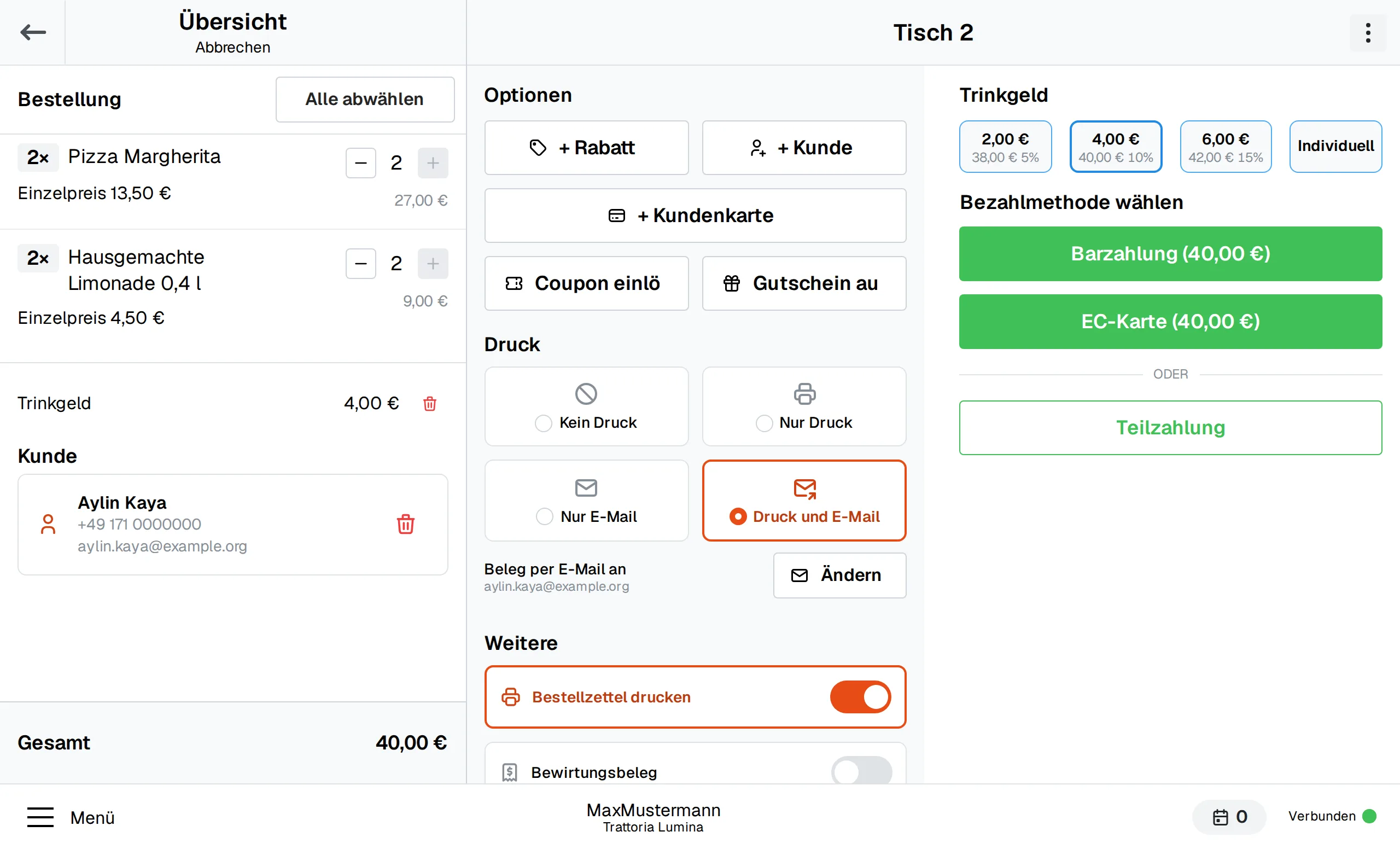
Before
Looking up prices, reading labels – the queue gets longer.With shoptimo
Scan, pay, done.
Scan the barcode and the item is on the receipt. The amount goes to the card terminal, the receipt by email on request.
- Voucher · 15,00 € left
Before
Paper vouchers: lost, copied, remaining balance noted on the back.With shoptimo
Vouchers with remaining balance.
€50 as a gift – printed or on the customer's phone. Redemption also works in parts, the POS remembers the remaining balance.
- Return · TSE-signed
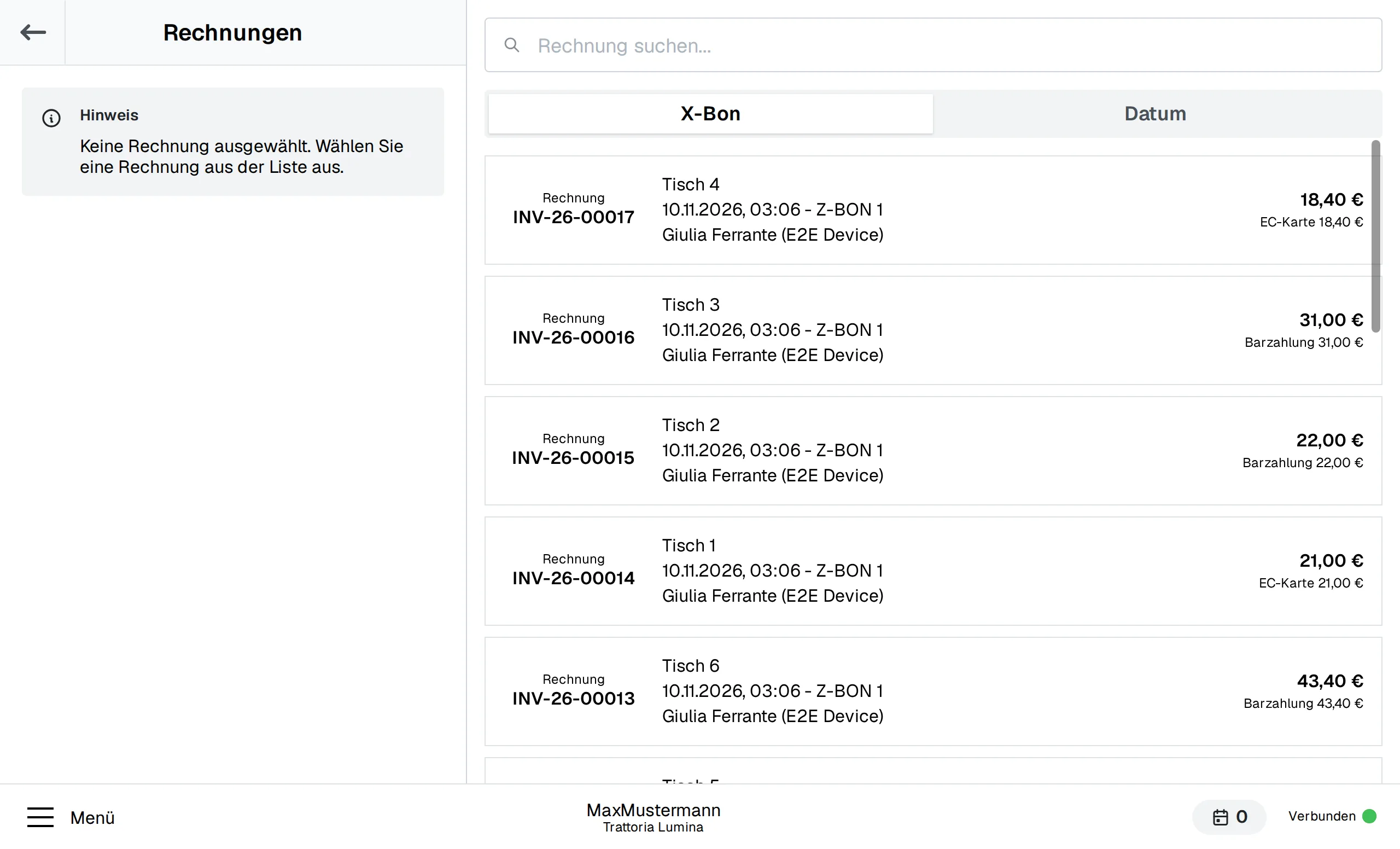
Before
Return without a receipt: what did the customer pay?With shoptimo
Every receipt is back.
All receipts are in the POS. Returns and cancellations are done in a few taps – TSE-signed.
- DATEV export to your accountant
Before
Month end: collecting till reports and sending them to the accountant.With shoptimo
DATEV arrives at your tax advisor.
Daily closing and cash book keep themselves. The DATEV export is emailed to the accountant on schedule.
Matching modules
Modules for retail
Scanner and card terminal make checkout fast; vouchers, cash book and DATEV make accounting easy.
Barcode scanner
Capture items with a scanner
Details
Connection of barcode scanners (USB/Bluetooth) for fast checkout: scan items instead of searching for them.
Card terminal
The amount goes straight to the debit and credit card terminal
Details
Direct connection of debit/credit card terminals via ZVT or OPI: the amount is passed to the terminal automatically, the payment status lands directly on the order — no typing errors, no discrepancies.
Vouchers
Sell and redeem vouchers, even in partial amounts
Details
Sell gift vouchers at the POS or issue them as goodwill (printed receipt, email with PDF, Apple/Google Wallet), redeem them as the "voucher" payment method with remaining balance, refund to the balance on a void. Overview of all vouchers and outstanding balances in the back office. Optionally linkable to a loyalty card and customer — Loyalty is not required for this; conversely, the Loyalty points reward "voucher" needs this module.
Cash book
Deposits, withdrawals and end-of-day closing – with export
Details
Digital cash book with deposits, withdrawals and daily closings — meets the requirements for proper cash management and replaces the handwritten cash book. Includes export for accounting.
DATEV export
Booking data for your tax advisor
Details
Export of POS data in DATEV format for your accountant. Revenue, revenue accounts and payment methods are assigned automatically — no more manual transfers.
Hardware TSE (Swissbit USB)
TSE stick on the device — fiscalisation (KassenSichV)
Details
Technical security device under KassenSichV as a certified Swissbit USB stick directly on the POS device: all POS transactions are signed tamper-proof locally, even offline. A legal requirement for electronic POS systems in Germany. Only for POS on your own device (Edge); per outlet, either the hardware TSE or the cloud TSE is booked.
Example configuration
Boutique with one POS
On-site POS with scanner, card terminal and hardware TSE – plus vouchers and DATEV export for accounting.
- On-site POS (Edge), 1 POS terminal
- Barcode scanner
- Payment terminal
- Vouchers
- Hardware TSE (Swissbit)
- Cash book
- DATEV export
Frequently asked questions
Which barcode scanners work with the POS?
Standard USB and Bluetooth scanners that work like a keyboard. You enable scanner mode with the Barcode scanner module.
Can I create items with sizes and colours?
Yes. Variants are part of the catalogue – each with its own barcode, price and stock.
How does stocktaking work with the POS?
Count stock, check differences, post – in the back office. With a scanner, counting is faster.
Next step
In 30 minutes you'll know if shoptimo fits.
We advise you personally: which modules your business needs, what it costs and how the switch works. Pick a slot in the calendar or request a callback.
- Reply on the same working day
- We import your items from your old till
- Cancel monthly
Arrange a callback
Name, number and preferred time – we'll get back to you.